Indoor Cameras: Useful Coverage With Clear Boundaries
A practical guide for the moment when you want to check a pet in the living room while keeping bedrooms private. Compare the options, understand the tradeoffs, and buy with a clear purpose.

Consider this ordinary moment: you want to check a pet in the living room while keeping bedrooms private. The useful purchase is the one that makes that situation easier without introducing a larger problem. The buying decision starts with indoor security camera choices that fit that routine. Consider whether a door sensor or pet activity monitor can answer the question without recording video. If video is necessary, define when recording is appropriate. Cloud access and local storage have different recovery and account-management implications.
Begin with the situation, not the specification sheet
For this purchase, focus first on privacy controls, storage, and visible status indicators. Write those requirements down before opening several shopping tabs. Include any physical constraint: a shallow shelf, a crowded bag, a shared room, an awkward socket, or a device that cannot be replaced. A product that misses one essential requirement is not a bargain simply because it offers several unrelated extras.
Three sensible ways to spend
- Keep it simple: Choose a camera limited to one shared room. This is a useful starting point when the task is narrow and predictable. Confirm the essential connections and avoid paying for capabilities that will remain unused.
- Buy for the fuller routine: Consider local storage when supported. This route makes sense when the additional capability has a recurring job. Include its accessories, space requirements, and maintenance in the decision.
- Consider the alternative: Choose a sensor when video is more information than needed. Sometimes the best answer changes the setup rather than upgrading the most obvious device. Compare the complete result, not just the item price.
The detail to check before checkout
Agree on camera use with everyone in the home. Review account security and software support. Physical placement should make the purpose clear rather than creating hidden monitoring.
Make the first week a useful trial
Before committing to the setup, review the view from a guest’s perspective before enabling recording. Do this while the normal environment is in use, rather than in an artificially quiet or empty room. A quick first impression may miss the issue that appears when another device connects, the room fills up, or the equipment is packed away.
The ownership details that matter
Consider whether a door sensor or pet activity monitor can answer the question without recording video. If video is necessary, define when recording is appropriate. Cloud access and local storage have different recovery and account-management implications.
Disable unnecessary audio capture if the use case does not require it. Make sure visitors and household members understand the camera’s presence. Keep firmware current and remove devices from accounts before passing them to another owner.
Questions before you buy
Should I buy the most capable version now?
Only when the extra capability solves an identified need or a reasonably certain near-term change. Buying for an imagined future can leave you carrying extra weight, complexity, or cost every day. Choose enough flexibility for your actual routine.
Can the equipment I own already solve this?
Try the relevant settings, placement changes, and supported connections first. A small adjustment may resolve the difficulty. If it does not, you will have a clearer requirement and a more useful basis for comparing replacements.
How should I compare retailer listings?
Compare the same model and regional version, then check the included accessories, delivery terms, warranty wording, and return conditions. We do not publish fixed prices because listings change. A lower headline price can be misleading if essential parts are missing.
Fit it into the wider routine
Before expanding a connected-home setup, record which account owns the device and how other household members obtain access. Check the reset and ownership-transfer instructions while documentation is easy to find. Decide what happens when the usual phone is unavailable. Home automation should have a clear purpose that everyone can understand, and an ordinary household task should not become dependent on one person remembering an obscure app setting.
A sensible next step
Use the requirements above to shortlist indoor security camera options. Compare the exact version, included parts, and support terms before choosing. If the existing setup already meets the particular needs described here, keeping it is a reasonable decision.
Turn the advice into a shortlist
Compare the exact model, compatibility, seller, total cost and return terms before ordering. Our retailer search opens current listings; placement is not a product endorsement.
Explore relevant options on Amazon ↗Keep exploring
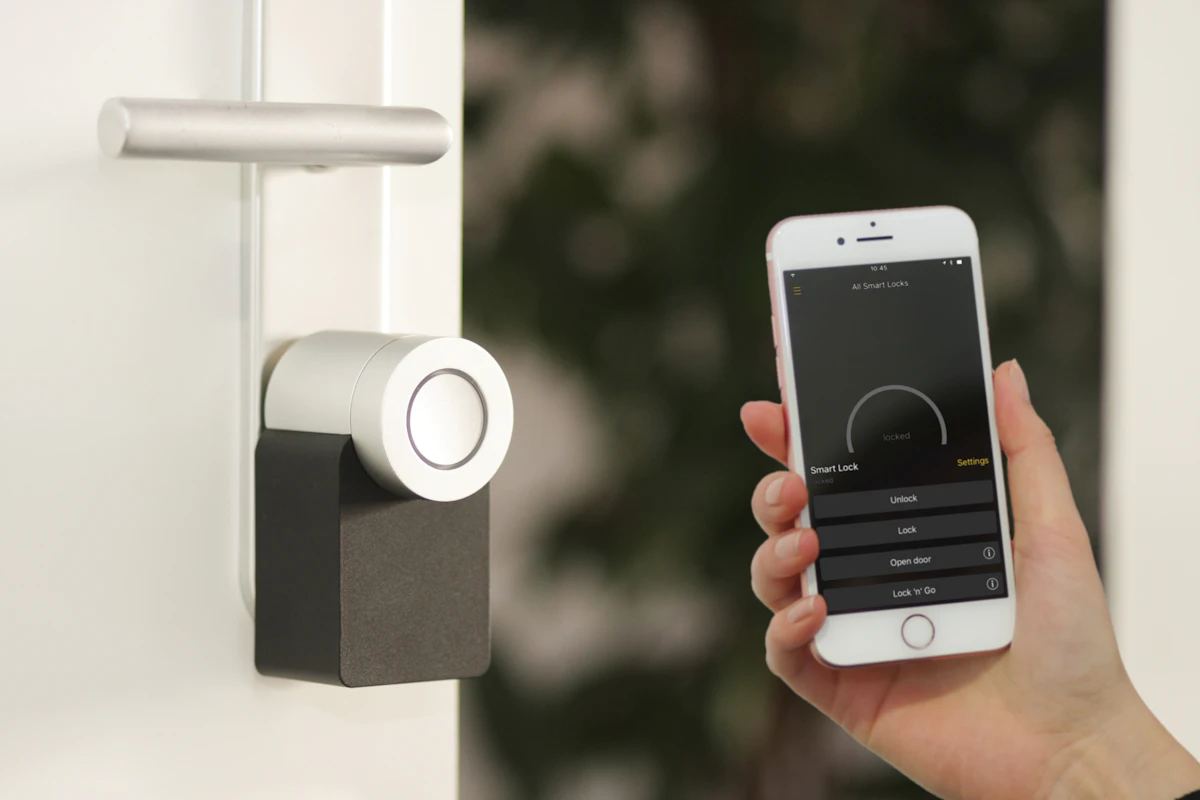
Smart Plugs Without the Guesswork
A practical guide for the moment when you want a living-room lamp to switch off at bedtime without rewiring the room. Compare the options, understand the tradeoffs, and buy with a clear purpose.
Read the story →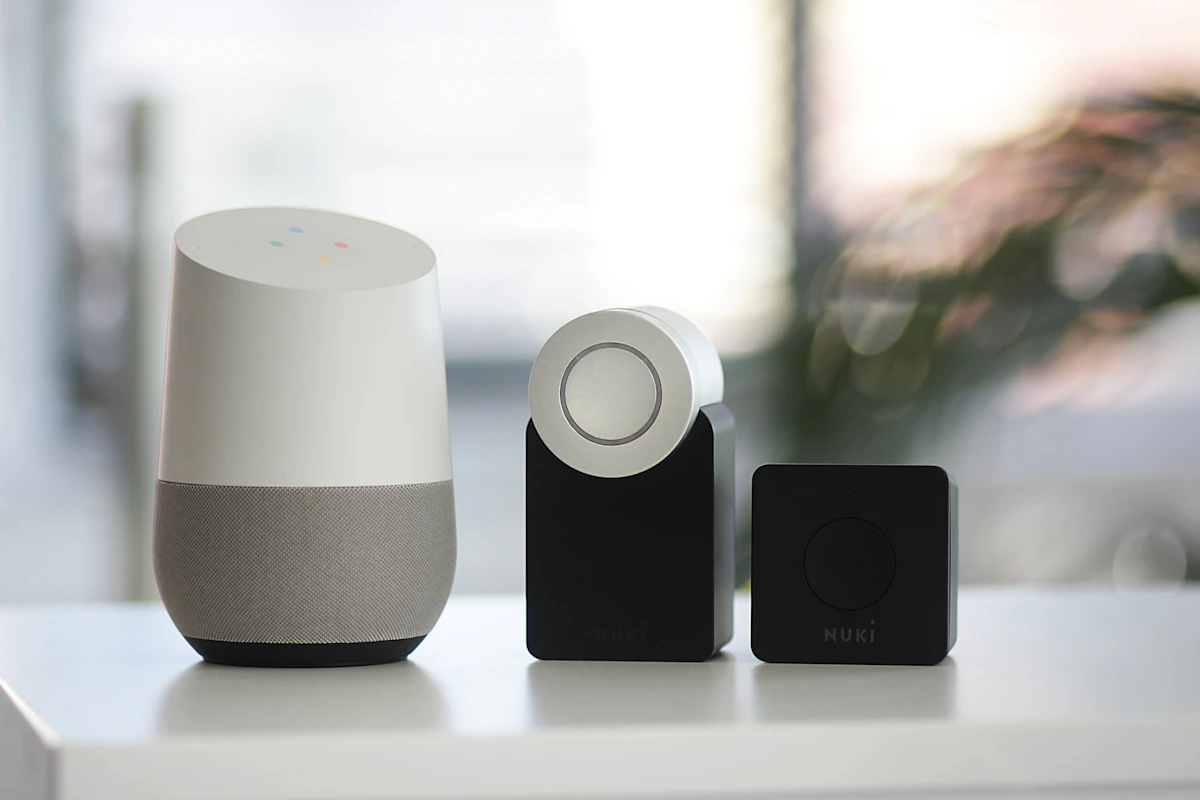
Choosing Smart Bulbs for a Rented Home
A practical guide for the moment when you want warmer evening light in a rented flat without changing switches. Compare the options, understand the tradeoffs, and buy with a clear purpose.
Read the story →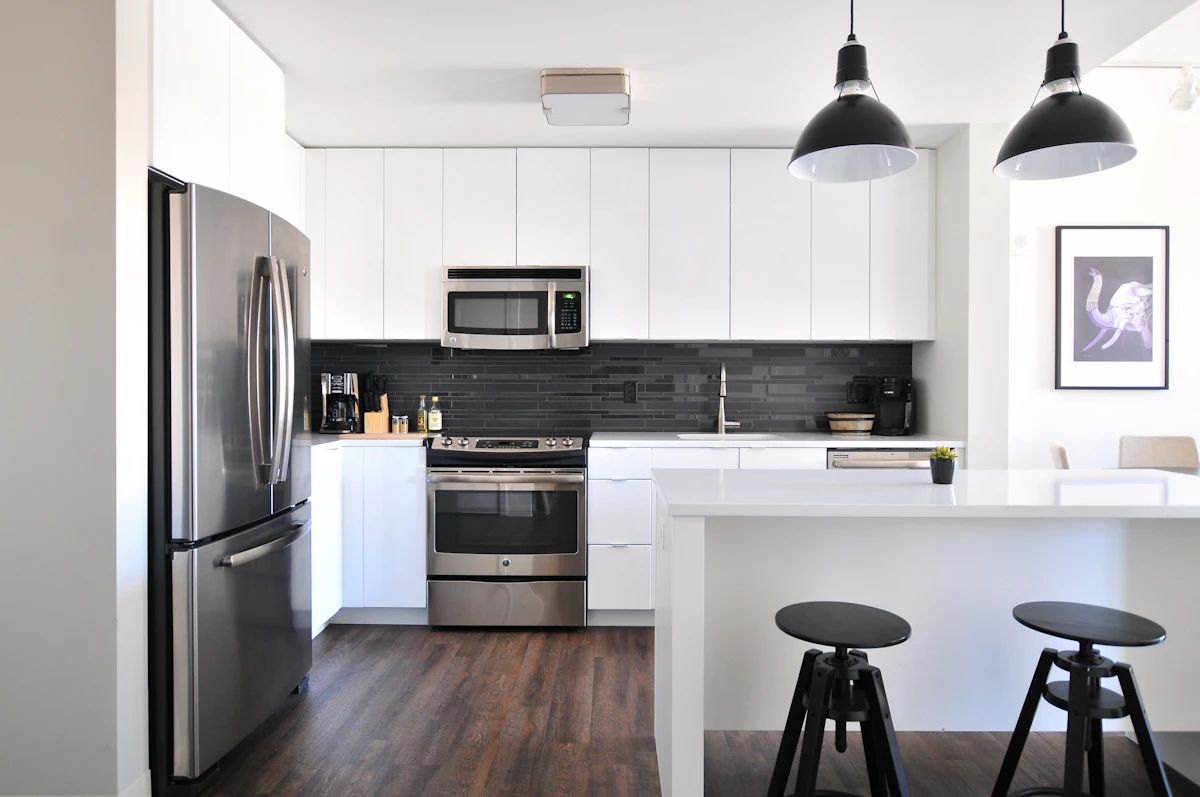
A Video Doorbell for a Busy Front Door
A practical guide for the moment when deliveries arrive while you are upstairs and visitors cannot easily hear the existing chime. Compare the options, understand the tradeoffs, and buy with a clear purpose.
Read the story →